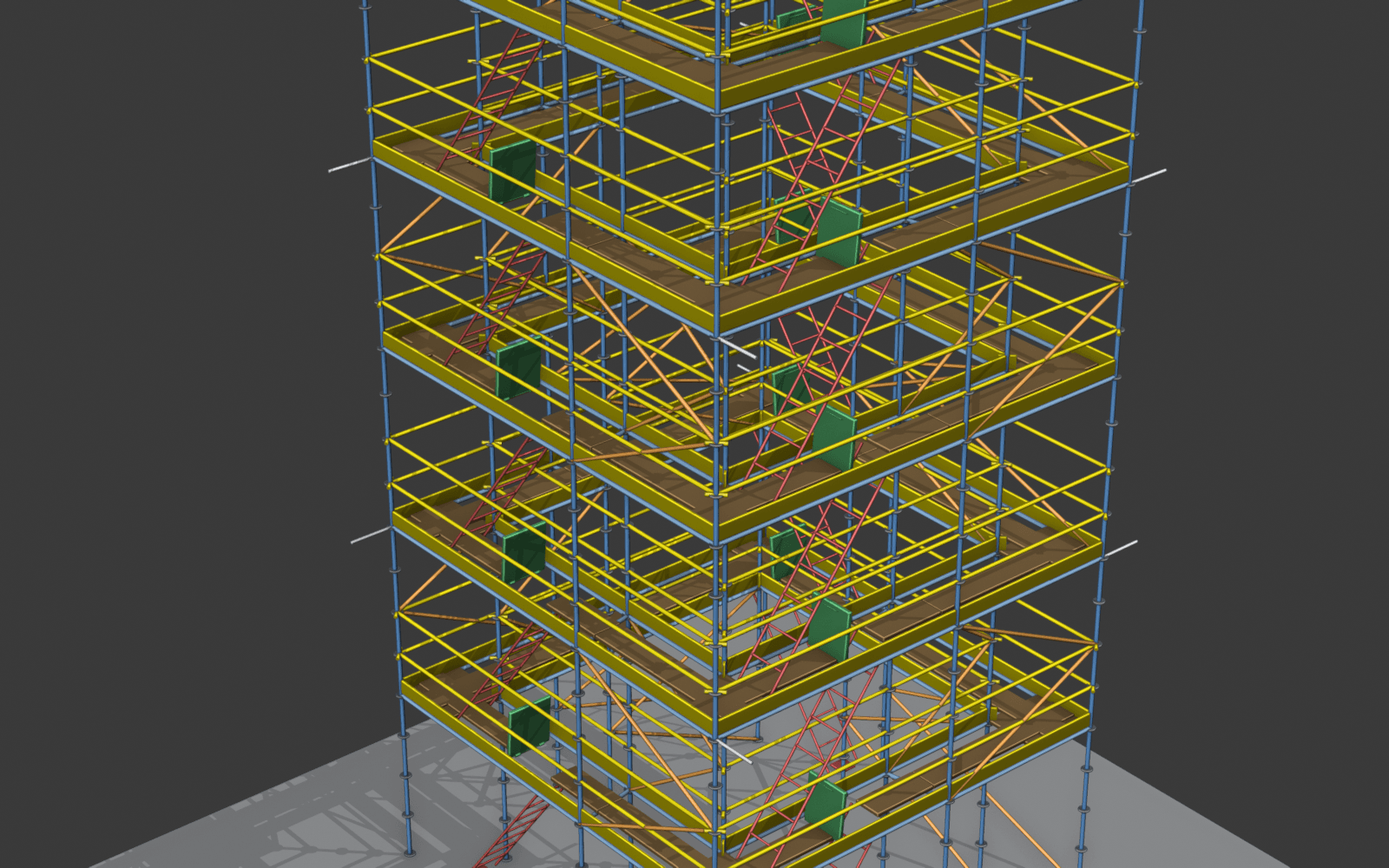
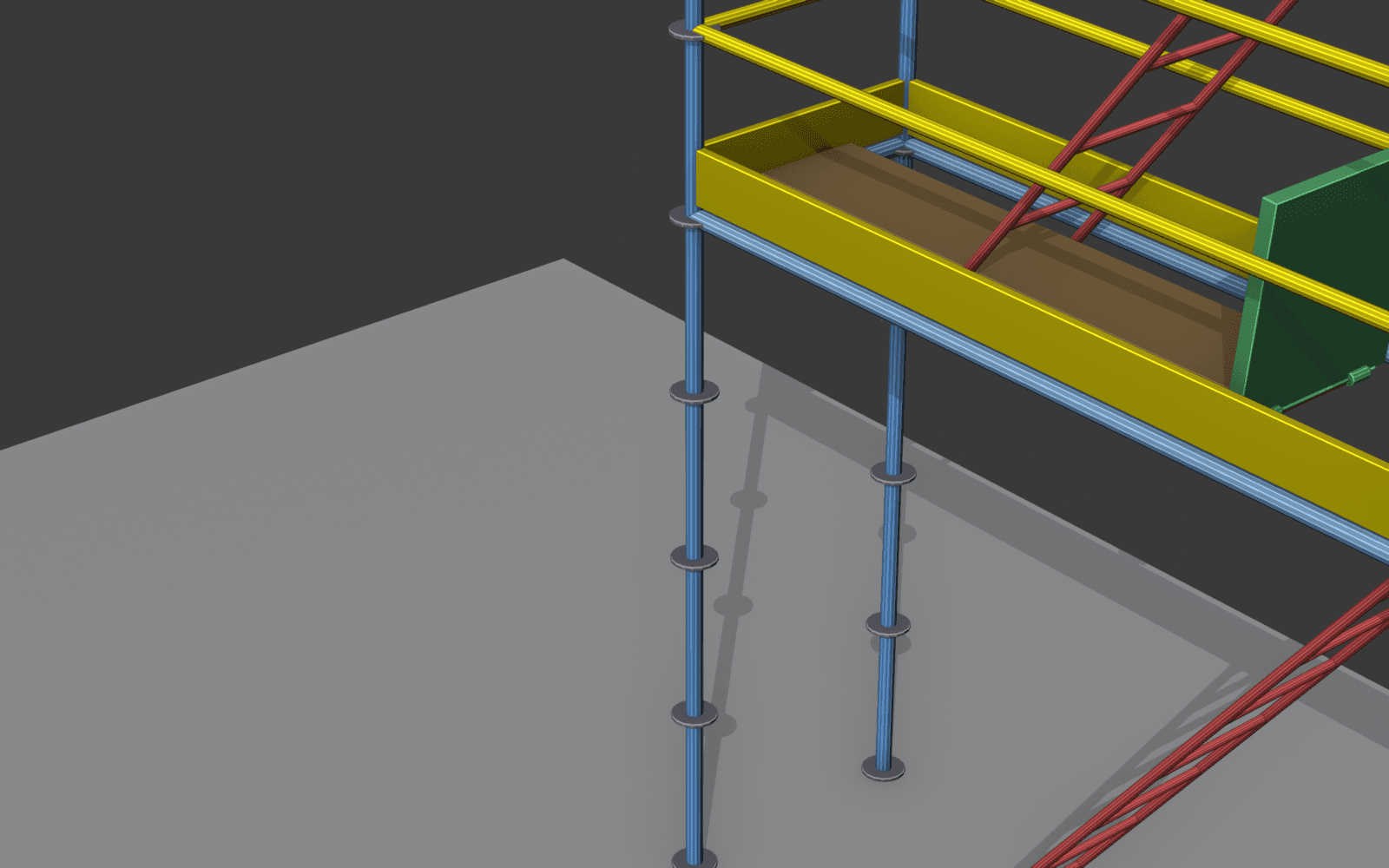
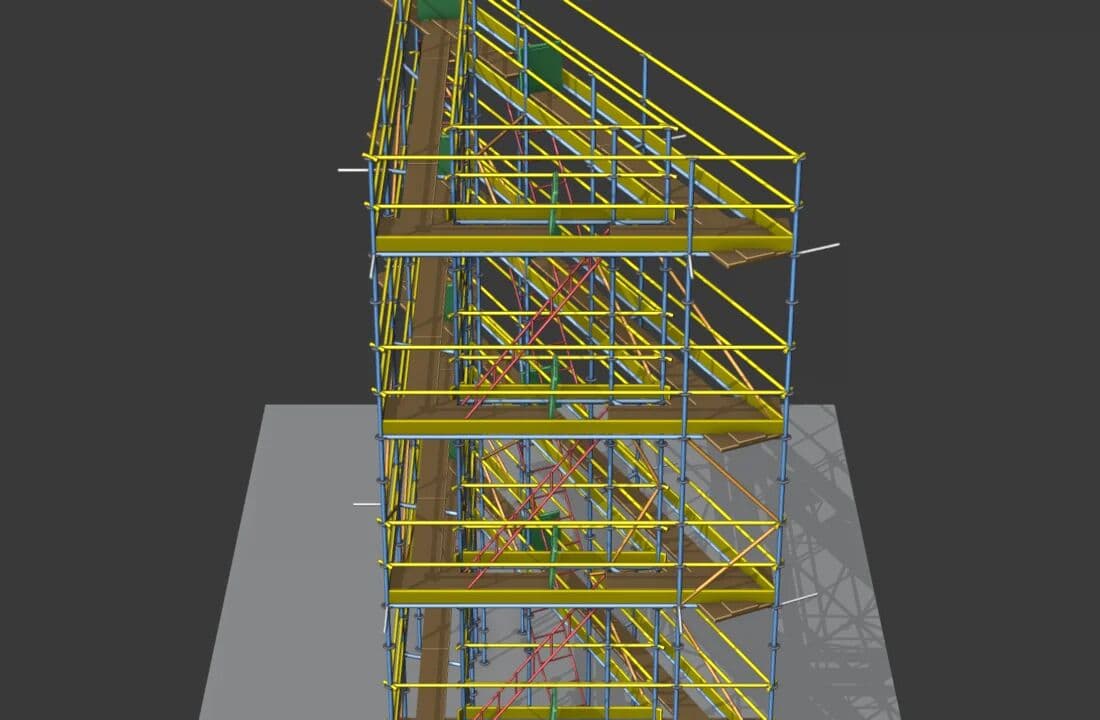
Straight scaffold
⏱ 5 minTwo points 8 m apart, 2 storeys. The simplest case — perfect to get started.
Design, analyse and export professional CAD drawings of multidirectional scaffolding from Blender. Built-in compliance with EN 1993-1-1 and EN 12811.
Four profiles that already use it to solve real problems.
EN 1993-1-1 + EN 12811 verification built in. No separate Excel, no external consultant for every project.
Exact tonnage and m² before material moves. Printable BOM for the site office.
Quote a full order with the Layher Allround catalogue on a single call. What used to take a morning now takes minutes.
Open source, MIT, free. Learn EN 1993 with real cases instead of abstract standard PDFs.
Geometry, analysis and documentation in a single tool. No fighting with CAD or with the standards.
Define the path with 3D points and the add-on generates standards, ledgers, braces, decks, stairs and trapdoors. Supports straight, L-shaped, U-shaped scaffolds and closed towers.
Verification per EN 1993-1-1 (cross section + buckling) and EN 12811-1 (deflection). Service loads Q1–Q6, zoned wind, imperfections and guardrails.
Export to multi-sheet A3 HTML/SVG complying with UNE-EN ISO 129-1: dimensions in mm, standard scales, A/B/C — 1/2/3 grids, partition by spans.
Ringlock EU system built in: real decks, lengths and nodes from the manufacturer. Semi-rigid K_φ verification at joints (Annex E EN 1993).
If the analysis fails, the add-on tries design changes (more braces, segmented standards, shorter spans) until compliance is reached. ANSYS-optimizer style.
Bill of materials by category (weight, length, count) plus a professional report with executive summary, 3D views and narrative diagnosis of every critical element.
From the simplest setup to a 4-storey façade with ties. All generated with the add-on in under 10 minutes.
Two points 8 m apart, 2 storeys. The simplest case — perfect to get started.
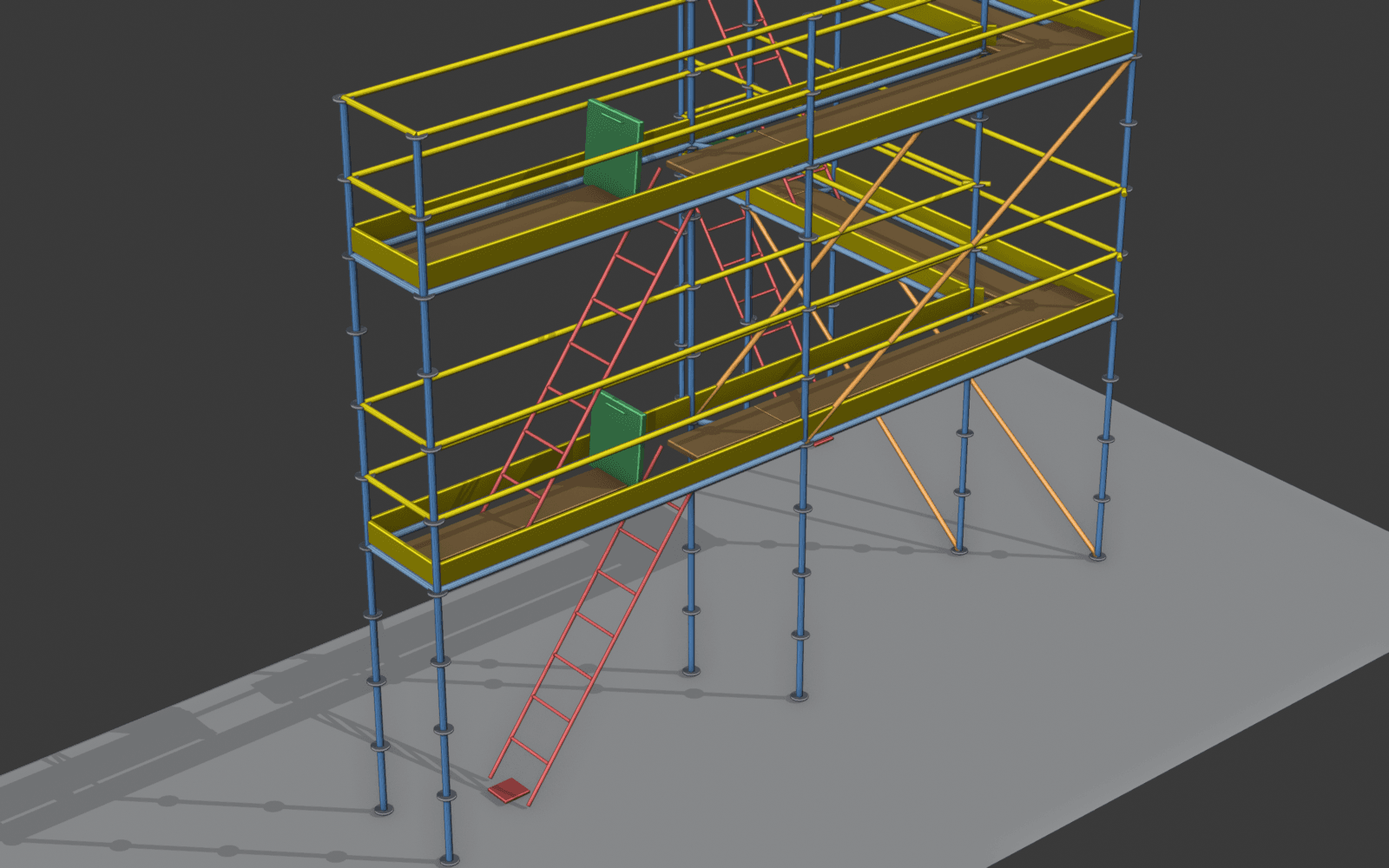
Three points forming a 90° corner. The add-on computes the bisector and generates a dedicated corner deck.
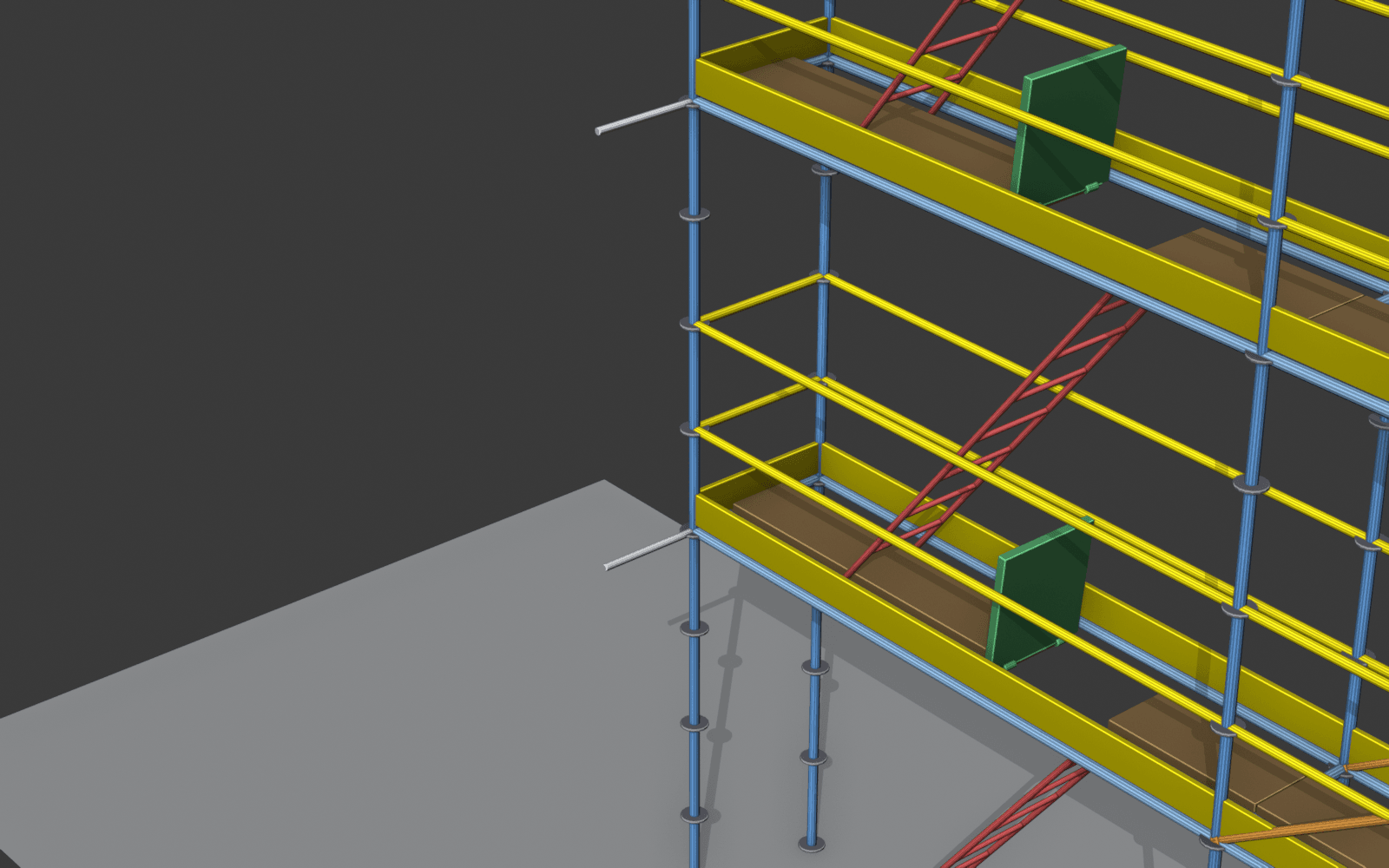
Façade maintenance with EN 12811-2 ties. Every 2 bays × 1 storey to meet the minimum density.
From zero to a professional scaffold with CAD drawing and structural verification — no Excel, no AutoCAD.
Create two or more empties in Blender that define the scaffold path. They can form a line, an L, a U or a closed ring.
Depth (Layher 73 / 109 or custom), number of storeys, height per storey. Layher Allround length catalogue or 0.5 m multiples.
The add-on creates standards, ledgers, decks, guardrails, stairs with trapdoors, bracing and rosettes with a single click.
Configure loads (Q1–Q6, wind, imperfections), press Run and get the green/amber/red traffic light. Clickable list of critical elements with narrative diagnosis.
Multi-sheet A3 CAD drawing with standards-compliant dimensions, bill of materials (BOM) and HTML report with 3D views for client or building inspection.
Designed for scaffold rental companies that need to quote quickly, and for site managers who need to know how many tonnes and m² they'll erect — before placing the order.
Instant BOM with parts, weight and linear metres. What takes a sales rep a morning, you close on a single call.
More braces vs shorter bays vs more storeys. Press Generate, see the BOM, decide on the spot.
The BOM matches your real inventory, not generic parts that won't fit later. Manufacturer-real decks, lengths and nodes.
No more padding the order "just in case" or discovering the overrun at the end. The BOM gives you weight, length and count for every part.
If the scaffold doesn't pass, you see it in the office. Fixing a problem on site, with material already up, costs orders of magnitude more.
HTML report with analysis, A3 CAD drawing and BOM, ready to file. No rebuilding documentation by hand for every audit.
If you work with AutoCAD, Excel and DWG, this add-on turns Blender into a familiar tool for designing scaffolds. You don't need to learn the whole software.
Free open-source 3D modelling software (think AutoCAD but open source). Used in film, architecture and engineering. Here we use it to generate parametric scaffolds with structural analysis.
No yearly licences. No expiration. No forced migration every 3 years. Runs on Windows, macOS and Linux. A company can install it on 50 PCs at no cost — and remain legally correct on commercial projects.
A regular office PC is enough: 8 GB RAM, integrated GPU, modern processor. No workstation needed. No scaffold from the add-on exceeds 50 MB of geometry — light compared to a Navisworks model.
With this add-on, scaffolds don't require knowing Blender. You place points in space, press Generate, and get the model + CAD drawing + structural analysis. The add-on UI is a plain panel — no 3D jargon.
There's a guided in-Blender tutorial (overlay with arrows) and a self-contained HTML tutorial with 5 real recipes. Both are written for site engineers, not 3D artists.
Open source, MIT, no account or email required. Runs on Linux, Windows and macOS on Blender 5.1 or later.
After installing you'll have:
The button above downloads a single .zip file, ready to install.
In Blender: Edit → Preferences → Add-ons → Install… and pick the .zip.
Tick the «Andamios trayectoria» checkbox and open the Andamios tab in the sidebar (N key).